

Stolen slabs: how to check a PSA cert before you buy
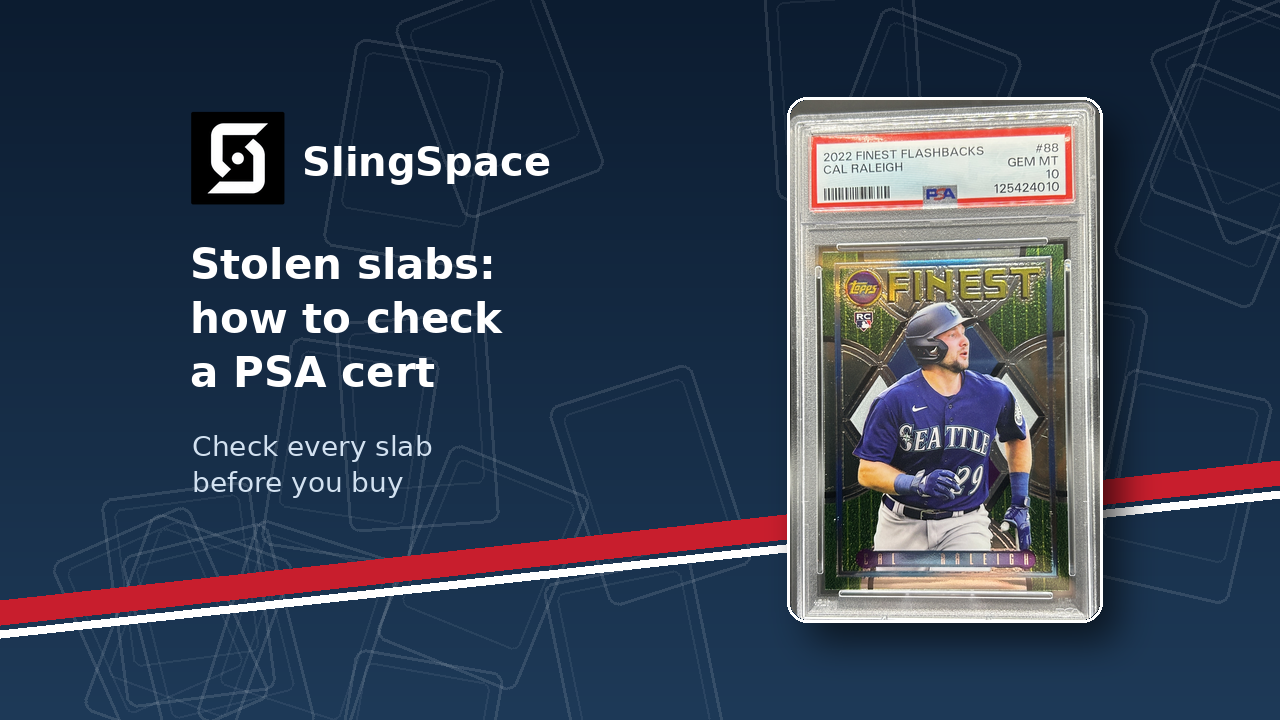
On October 13, thieves took PSA customer orders from a FedEx truck. PSA now lists 6,451 stolen items and has deactivated their cert numbers.
This post shows you how to check a PSA cert before you buy a graded card.
What happened
PSA posted a theft update on October 23. Here are the facts from that update:
- The orders were stolen from a FedEx carrier truck after pickup at the PSA facility in Santa Ana, California.
- The Santa Ana Police Department and the FBI are investigating. PSA says the investigation is ongoing.
- PSA published the complete list of all 6,451 stolen items, with PSA cert numbers and serial numbers for serialized cards.
- PSA deactivated the cert number of every stolen graded item.
- PSA shared the list with marketplace sellers, auction houses and digital commerce platforms.
Why a cert check matters
Mike Metzler wrote about the theft for Yahoo Sports. He says stolen slabs go back into the market because buyers and vendors rarely verify cert numbers.
His advice is direct. Check the cert number on every slab before you complete a purchase.
The list is not only Pokémon. In our count of the PSA list, 2,978 of the 6,451 entries are Pokémon items. The other entries include:
- Topps, Panini and Donruss cards.
- One Piece, Yu-Gi-Oh!, Dragon Ball and Digimon cards.
If you buy PSA slabs of any kind, this list applies to you.
How to check a PSA cert before you buy
Do these checks before you send money to a seller. PSA calls a stolen cert "deactivated." Yahoo Sports reports that a search shows a stolen card as decertified.
- Ask the seller for the cert number.
- Ask for a clear photo of the full PSA label.
- Make sure the cert number in the listing is the same as the number on the label.
- Enter the cert number on the PSA cert page: https://www.psacard.com/cert
- If the result shows the card as decertified, stop. Do not buy the card.
- Open the PSA list of stolen cert numbers (PDF): https://assets.ctfassets.net/l40e281thfxr/3VmGuKQKh20DYWmPMTfo8R/c13b31f153c7b33247d149ec5b77cb54/Certificate_List.pdf
- Use the find tool in your PDF viewer to search for the cert number.
- Search the cert number on The Global Trading Card Registry (TheGTCR): https://thegtcr.com/
- If the card has a serial number, search that number on TheGTCR too.
TheGTCR is a central database where collectors, dealers and theft victims log stolen items. You can search PSA, BGS and CGC cert numbers there. Yahoo Sports reports that the site now includes all 6,451 stolen PSA cards.
A few habits help
- Check every PSA slab, not only the expensive ones.
- Save a screenshot of each cert result, with the date.
- If a seller will not give you the cert number, do not buy the card.
If you have a tip or think you are a victim
PSA posted these FBI instructions in its update:
- Call the FBI Los Angeles office main number at +1 310-477-6565. Press 1.
- Call during regular business hours, 8am to 5pm.
- Ask to speak to the duty agent about the PSA theft.
- Have your name, contact information and details about the stolen items ready.
PSA says an agent will contact you later. You can give a tip to the duty agent too.
Yahoo Sports also lists the Santa Ana Police Department at +1 714-245-8345.
If your cards were in a stolen order
PSA says it has begun to contact affected customers. Here is what PSA says about compensation:
- PSA refunded all grading fees for affected orders. These refunds do not reduce compensation for the stolen items.
- If your order shipped on a PSA return label, PSA insurance applies. You can start the compensation process now.
- If your order shipped on your own return label, PSA will work directly with you.
- If you submitted through a dealer, contact that dealer about your order.
This applies to orders on a PSA return label. PSA pays based on the fair market value of each item, up to its declared Maximum Insured Value (MIV). If PSA recovers your item later, you can keep the compensation or get your item back.
Read the full PSA update here: https://www.psacard.com/articles/articleview/15778/psa-theft-update
Subscribe to the Blog
Get notified when new articles are published. No spam — just new posts.